 Shubh Fitness
For gym owners
Less paperwork. More people training.
Shubh Fitness handles the jobs that eat your day — check-in, renewals, dues, class bookings and PT credits — so your team can spend it on the gym floor.

What it covers
Every corner of your gym, connected
Front desk
Scan the member’s QR pass to check them in, see who is due for renewal and take a payment at the desk.
Members and leads
Profiles with documents and health notes, a leads board with trials, and segments that flag members at risk of leaving.
Memberships and billing
Plans by duration or credits, renewals and freezes, GST invoices, receipts, part-payments and refunds with credit notes.
Classes and personal training
Schedules with capacity and waitlists; PT sessions booked, moved or cancelled with credits counted.
Trainers
Programs for their clients, today’s sessions and tasks, and private messages with the members they coach.
Shop and stock
A point of sale for supplements and merchandise, with products, goods received and suppliers.
Branches and roles
Run several branches in one workspace. Managers, front desk and trainers see only their branch and their job.
Reports and reminders
Revenue, dues, renewals and attendance on the owner dashboard, and automated reminders to members with a delivery log.
Trainers and members
Coaching that continues after the session
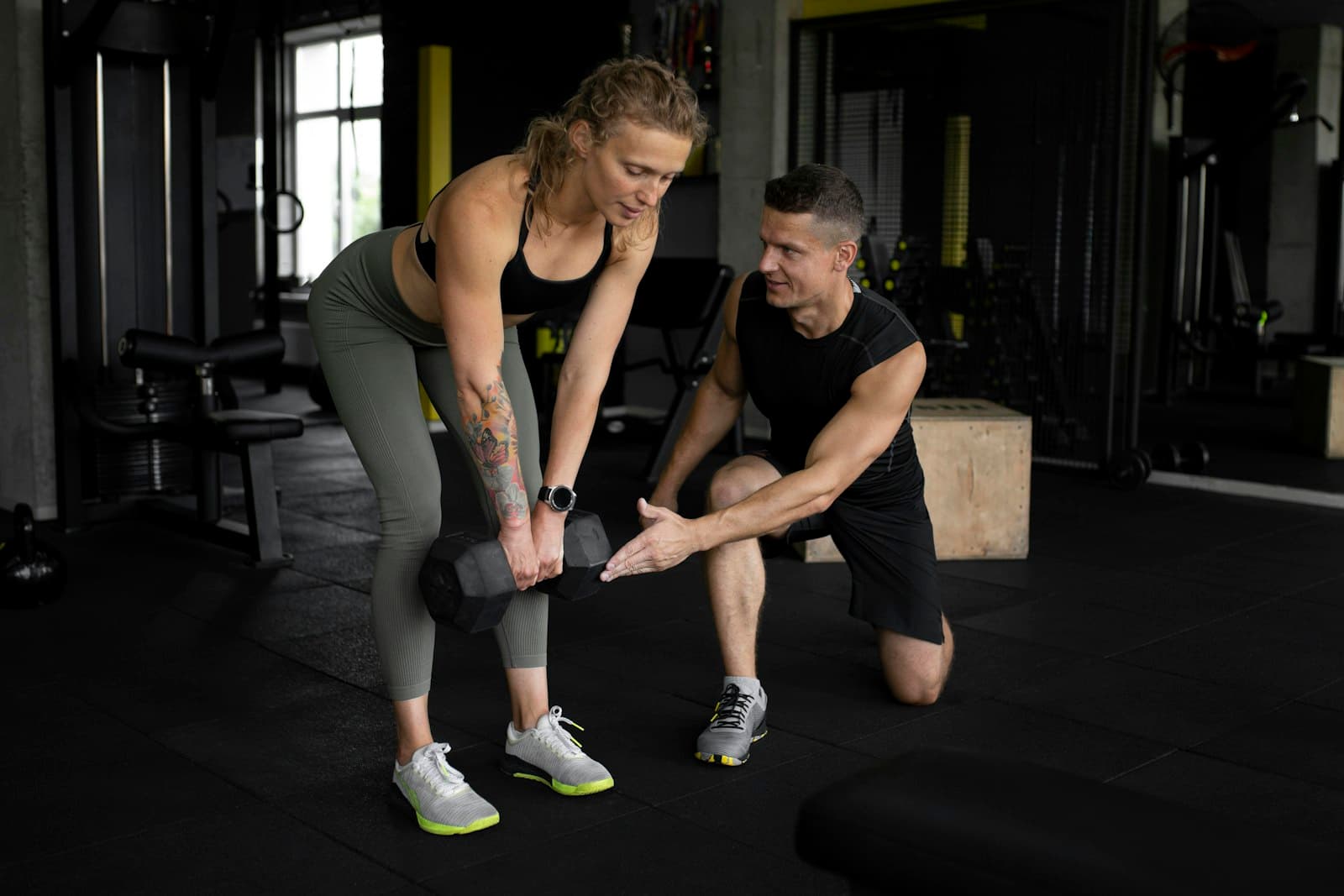
Trainers assign programs and see what their clients logged. Members message their own trainer in the app; phone numbers, e-mail addresses and links are hidden, and either side can report or block a conversation.
- Programs and workout history per client
- PT sessions and credits in one place
- Private member–trainer messages with masking
Getting started
From sign-up to first check-in
- 01
Book a demo or sign up
Create your gym yourself, or walk through it with us first.
- 02
Set up the basics
Add branches, membership plans, classes and your team. Import members from a spreadsheet.
- 03
Hand out your join code
Members join with your gym’s code or link and see your plans and prices before they pay.
- 04
Turn on what you need
Connect your own Razorpay or Cashfree account to take payments online, and switch on reminders.
Data, payments and privacy
Your gym, your data
Each gym is its own workspace. Every request is checked on the server, and staff actions are recorded in an audit log.
Payments go to you
Online payments use your own Razorpay or Cashfree account. Until you connect one, members pay at the desk and see their dues in the app.
Members stay in control
Members can delete their account from the app. Steps and sleep from Health Connect stay on their phone.
Let’s set up your gym together
Tell us about your branches and members and we’ll show you the front desk, trainer and member app with your own setup.
Photos on Unsplash by Samuel Girven and maxhome fitness. App screens from the Shubh Fitness Android app with a demo gym.